ThemeSelector
System, Light or Dark — read from the live theme, and applied to it.
Installation
ThemeSelector ships with the library — install it once, then import:
import { ThemeSelector } from "@delacour/react-native-ui/theme-selector";Or copy the source into your project, to own and edit it:
bunx delacour@latest add theme-selectorUsage
import { ThemeSelector } from "@/components/ui/theme-selector";
import { View } from "react-native";

export default function Example() {
  return (
    <View className="flex-1 justify-center p-4">
      <ThemeSelector />
    </View>
  );
}
How it reads the theme
The selection is Uniwind's, not the component's: System is selected while the app follows the device, so a theme changed anywhere else re-selects every mounted selector.
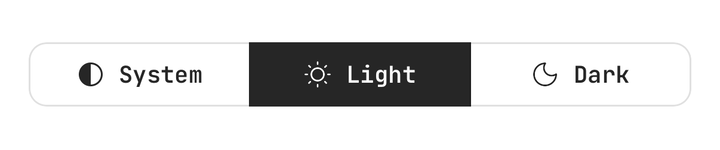
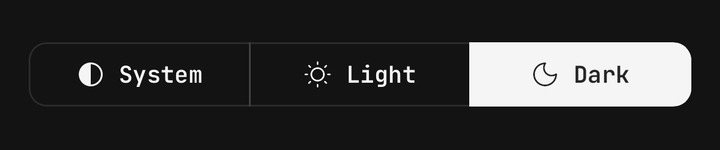
<ThemeSelector onValueChange={(mode) => console.log(mode)} />Controlled
value with onValueChange holds the choice in your state, and applyTheme={false} keeps a press
from re-theming the app.
const [mode, setMode] = useState<ThemeMode>("system");

<ThemeSelector applyTheme={false} onValueChange={setMode} value={mode} />
Cards
variant="cards" stands the options apart as tiles, a larger glyph over each label.
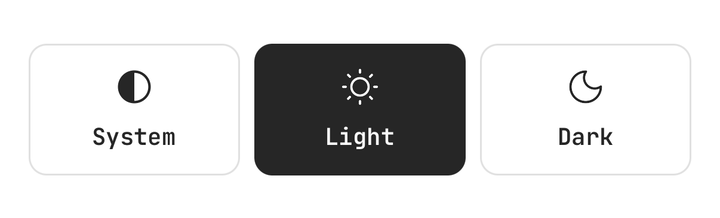
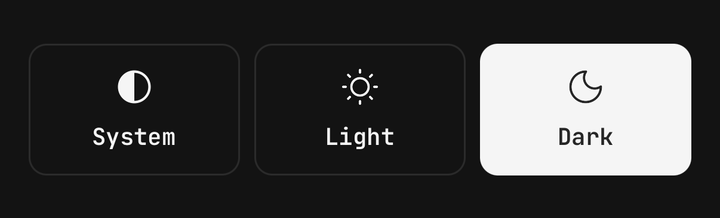
<ThemeSelector variant="cards" />Sizes
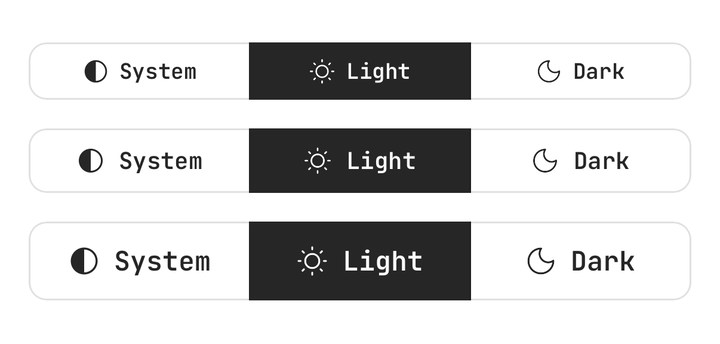
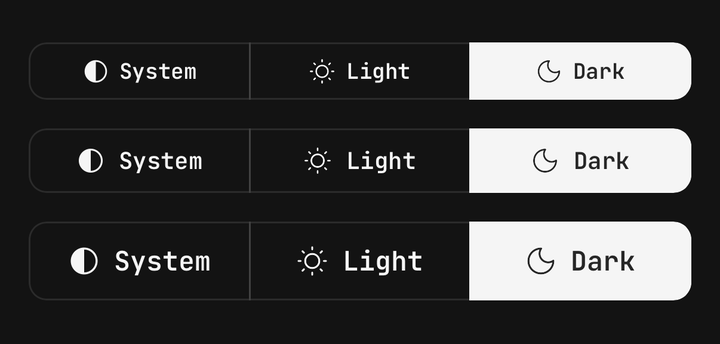
The button's label steps; sm reaches past its edges to stay a 44pt target.
<ThemeSelector size="sm" />
<ThemeSelector size="md" />
<ThemeSelector size="lg" />
Modes and labels
modes picks the options and their order, and labels renames them for localisation.
<ThemeSelector labels={{ light: "Day", dark: "Night" }} modes={["light", "dark"]} />Persisting the choice
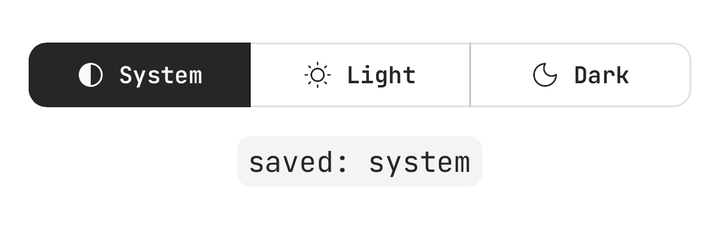
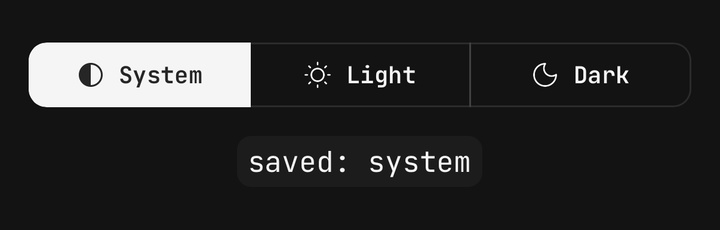
Uniwind forgets its theme on restart; with applyTheme={false} the selector only reports, so the
app saves the choice, applies it and passes the saved mode back as value.
import { restoreThemeMode, ThemeSelector, type ThemeMode } from "@/components/ui/theme-selector";
import { useState } from "react";
import { createMMKV } from "react-native-mmkv";
import { Uniwind } from "uniwind";

const storage = createMMKV();

Uniwind.setTheme(restoreThemeMode(storage.getString("theme")));

export function AppearanceSetting() {
  const [saved, setSaved] = useState<ThemeMode>(() => restoreThemeMode(storage.getString("theme")));

  return (
    <ThemeSelector
      applyTheme={false}
      onValueChange={(mode) => {
        storage.set("theme", mode);
        setSaved(mode);
        Uniwind.setTheme(mode);
      }}
      value={saved}
    />
  );
}
Uniwind.setTheme throws on a name it does not know. Pass a stored string through
restoreThemeMode, which falls back to "system", rather than straight to setTheme.
In a field
Inside a Field, the label names the group and isDisabled cascades.
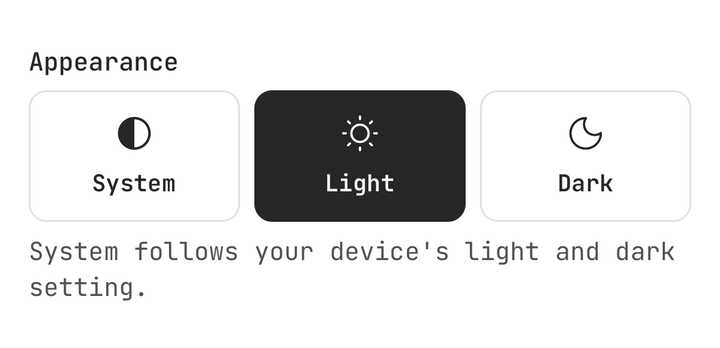
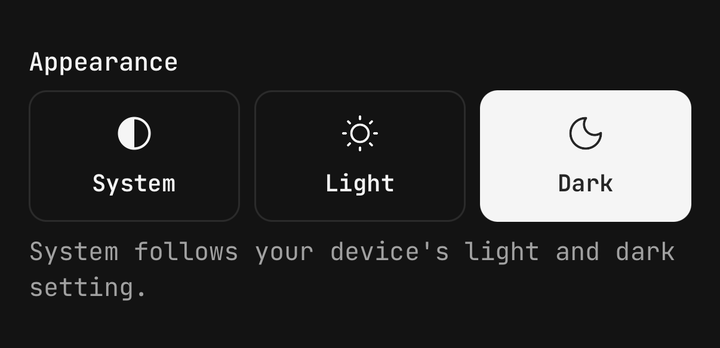
<Field>
  <Field.Label>Appearance</Field.Label>
  <ThemeSelector variant="cards" />
  <Field.Description>System follows your device's light and dark setting.</Field.Description>
</Field>
useThemeSelection
The live mode, what it resolves to and a setter, with no selector mounted — for a custom control or a row that only shows the choice.
const { mode, resolved, setMode } = useThemeSelection();Accessibility
The group is a radiogroup named by accessibilityLabel, the enclosing Field.Label, or "Theme";
each option is a radio announced by its label.
API Reference
ThemeSelector
Prop
Type
ThemeSelector.Option
Prop
Type
useThemeSelection
Prop
Type
restoreThemeMode
Prop
Type