Signature
A pad to sign with a finger or a stylus, handing back the strokes as JSON or SVG.
Installation
Signature ships with the library — install it once, then import:
import { Signature } from "@delacour/react-native-ui/signature";Or copy the source into your project, to own and edit it:
bunx delacour@latest add signatureUsage
import { Signature, type SignatureValue } from "@/components/ui/signature";
import { useState } from "react";
import { View } from "react-native";

export default function Example() {
  const [signature, setSignature] = useState<SignatureValue | null>(null);

  return (
    <View className="flex-1 justify-center p-4">
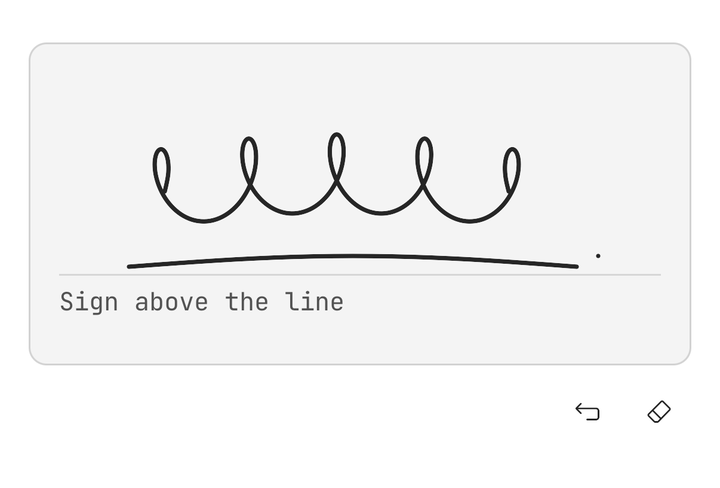
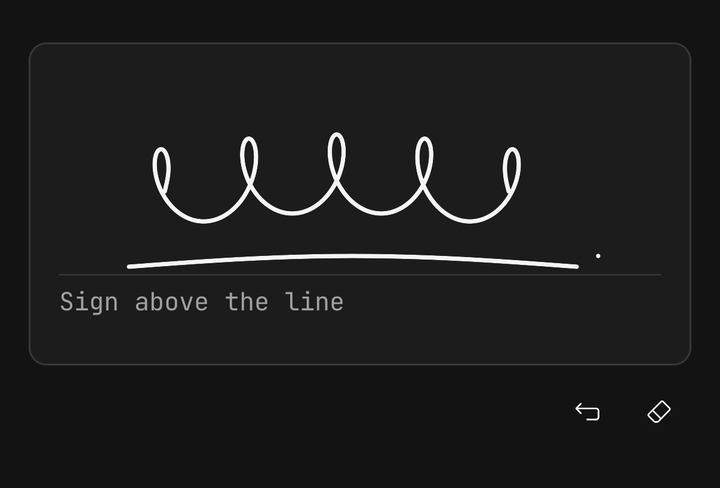
      <Signature guidelineLabel="Sign above the line" onValueChange={setSignature} />
    </View>
  );
}
Offer another way to sign
Not everyone can trace a path with a finger, so pass onRequestAlternative on every pad: it adds a
"Can't sign? Type your name" link that hands off to a flow you own.
const [isTyping, setIsTyping] = useState(false);

isTyping ? (
  <Field>
    <Field.Label>Type your full name</Field.Label>
    <Input autoComplete="name" placeholder="Full name" />
  </Field>
) : (
  <Signature onRequestAlternative={() => setIsTyping(true)} onValueChange={setSignature} />
);
Choosing the actions
Write the anatomy out to pick the toolbar's buttons; each is disabled while it would do nothing.
<Signature>
  <Signature.Pad />
  <Signature.Toolbar>
    <Signature.Alternative />
    <Signature.Undo />
    <Signature.Redo />
    <Signature.Clear />
  </Signature.Toolbar>
</Signature>
In a form
A Field cascades isInvalid and isDisabled, and its label names the pad to a screen reader.
<Field isInvalid={submitted && !signature}>
  <Field.Label>Signature</Field.Label>
  <Signature onValueChange={setSignature} />
  <Field.Error>{submitted && !signature ? "Please sign to accept the delivery" : undefined}</Field.Error>
</Field>
The value
onValueChange fires when a finger lifts, never while it moves, with plain JSON — or null once the pad is empty.
type SignatureValue = {
  width: number;
  height: number;
  strokes: readonly (readonly { x: number; y: number; t?: number }[])[];
};
serializeSignature and parseSignature round-trip it through a string; a pad of another size re-fits it.
<Signature
  defaultValue={parseSignature(saved)}
  onValueChange={(value) => save(value ? serializeSignature(value) : null)}
/>
Exporting SVG and PNG
The ref's toSVG() returns a standalone SVG document, with literal colours and #000000 ink by default. toPNG() takes the
same options plus scale and returns the same frame as a base64 PNG, transparent unless background is set.
const pad = useRef<SignatureHandle>(null);

<Signature ref={pad} />;

const svg = pad.current?.toSVG({ viewBox: "tight", padding: 8, background: "#ffffff" });
const png = pad.current?.toPNG({ viewBox: "tight", background: "#ffffff", scale: 3 });
const uri = `data:image/png;base64,${png}`;
toPaths() returns one path d per stroke instead, for drawing it elsewhere with react-native-svg. To draw a stroke
with Skia, as the pad itself does, trace it into a path builder rather than parsing that string back:
import { Skia } from "react-native-skia";
import { traceStroke } from "@/components/ui/signature";

const builder = Skia.PathBuilder.Make();
traceStroke(stroke, builder);
const path = builder.detach();
Sizes and variants
sm, md and lg are pad heights of 120, 180 and 240 points, full fills its parent, and secondary is outlined.
<Signature size="sm" />
<Signature size="lg" variant="secondary" />
<View className="flex-1">
  <Signature size="full" />
</View>
Disabled and read-only
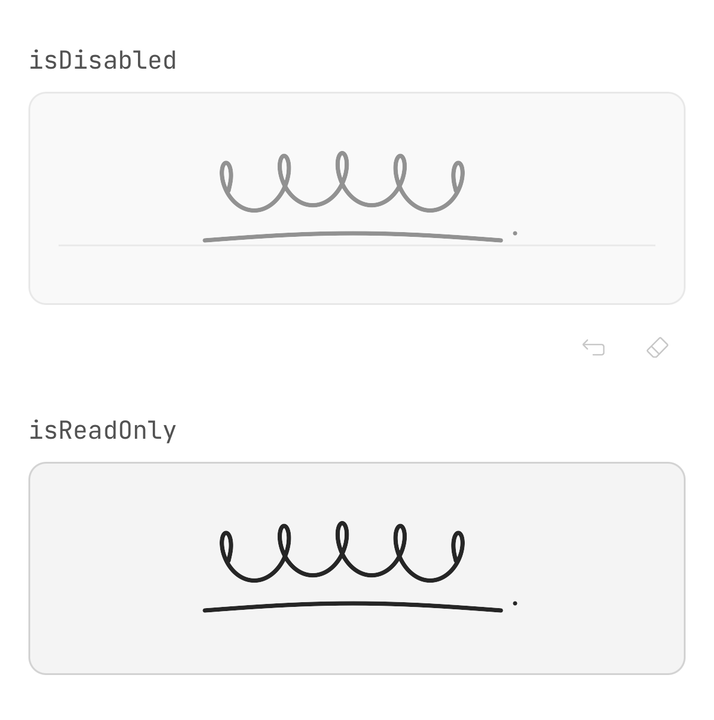
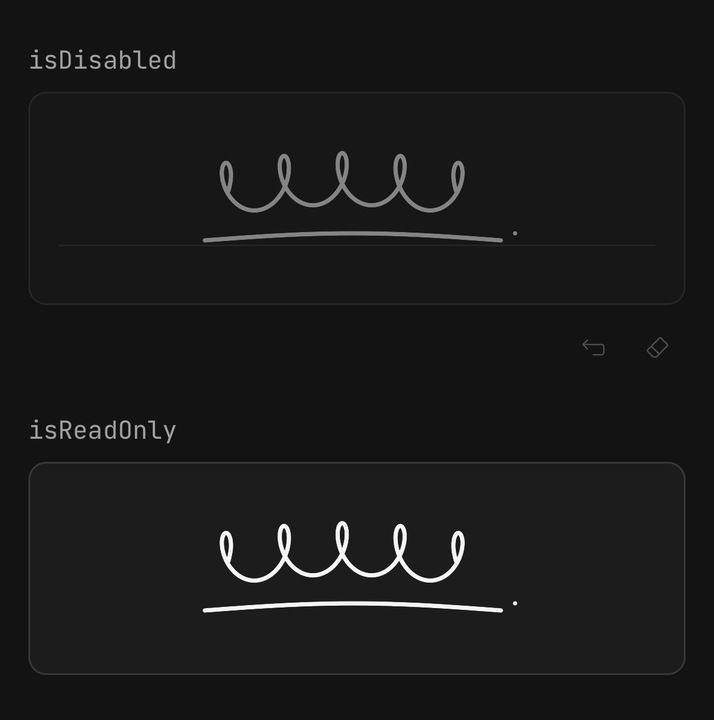
isReadOnly shows the drawing at full strength with no toolbar; isDisabled fades both and takes no touch.
<Signature defaultValue={signed} isReadOnly />A ScrollView will not scroll from a drag that starts on the pad, which takes every touch at once
so no downstroke is lost. Leave room around it to scroll from.
API Reference
Anatomy
| Part | What it is |
|---|---|
Signature | Owns the strokes, the undo history, the axes and the ref |
Signature.Pad | The drawing surface — the gesture, the ink, the guideline and the accessibility surface |
Signature.Toolbar | The row of actions under the pad. Hidden while read-only |
Signature.Undo | Removes the last stroke |
Signature.Redo | Restores the last stroke undone |
Signature.Clear | Removes every stroke, for good |
Signature.Alternative | The typed-name link, rendered only when onRequestAlternative is passed |
Signature
Prop
Type
SignatureHandle
Prop
Type
SignatureExportOptions
Prop
Type
SignaturePngOptions
SignatureExportOptions, plus:
Prop
Type
Signature.Undo, Signature.Redo, Signature.Clear, Signature.Alternative
Each takes Button's props, minus onPress. children replaces the glyph with a label.