Attachment
A file, image or recording — a thumbnail, a name, a size, an upload state and a way to take it back out.
Installation
Attachment ships with the library — install it once, then import:
import { Attachment } from "@delacour/react-native-ui/attachment";Or copy the source into your project, to own and edit it:
bunx delacour@latest add attachmentUsage
import { Attachment } from "@/components/ui/attachment";
import { useState } from "react";
import { View } from "react-native";

export default function Example() {
  const [isAttached, setIsAttached] = useState(true);

  return (
    <View className="flex-1 justify-center p-4">
      {isAttached ? (
        <Attachment
          kind="file"
          name="quarterly-report.pdf"
          sizeBytes={2516582}
          onRemove={() => setIsAttached(false)}
        />
      ) : null}
    </View>
  );
}
Kinds
kind picks the glyph and its tint; an image needs a source, a video's poster is optional, and a file reads its extension from name.
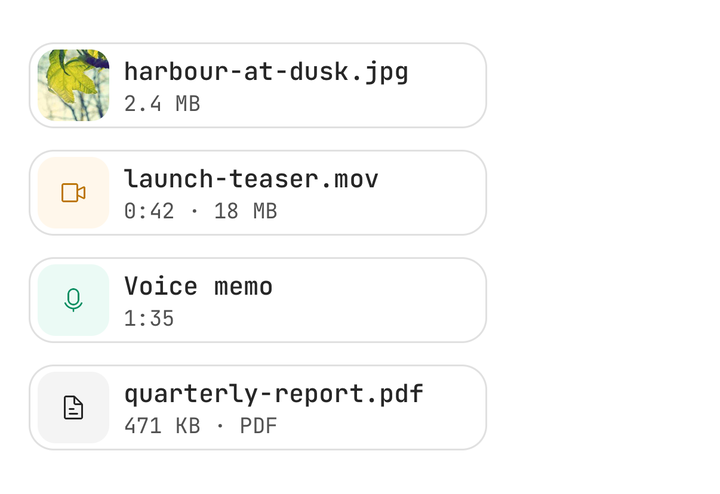
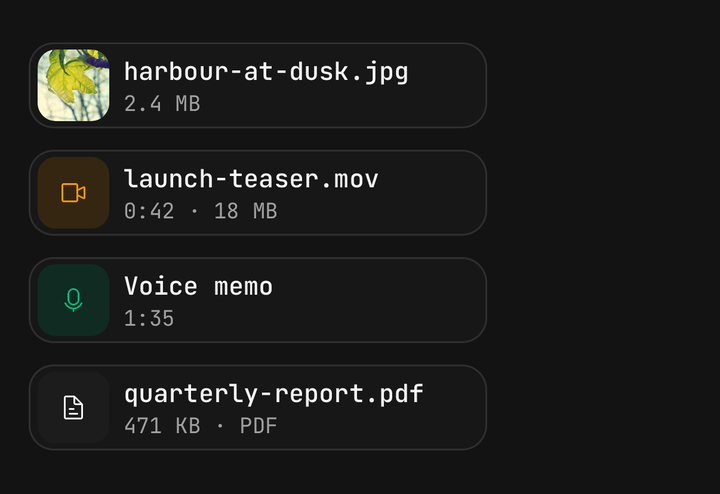
<Attachment kind="image" name="harbour.jpg" source={{ uri: photo.uri }} sizeBytes={2516582} />
<Attachment kind="video" name="teaser.mov" durationMs={42000} />
<Attachment kind="audio" name="Voice memo" durationMs={95000} />
<Attachment kind="file" name="report.pdf" sizeBytes={482304} />
Layouts
chip is the composer pill, tile a square thumbnail for a photo tray, and card a full-width row for inside a message.
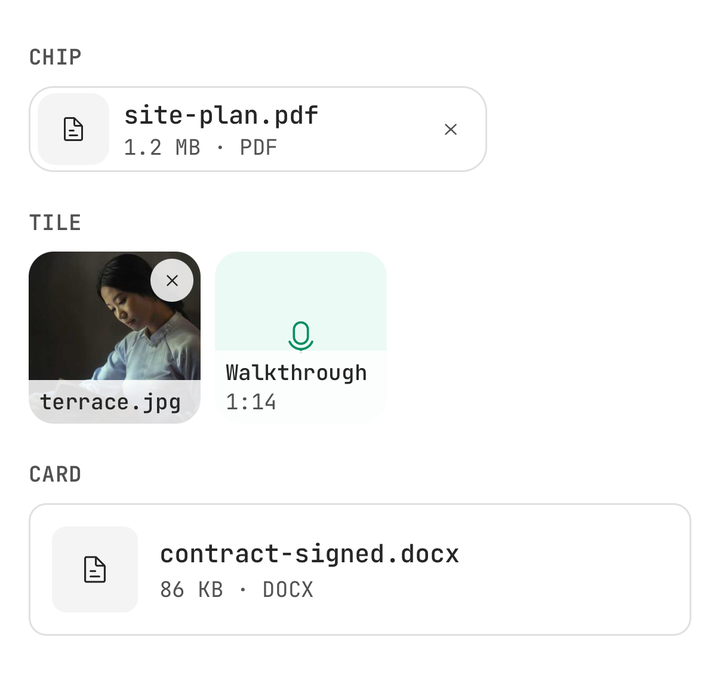
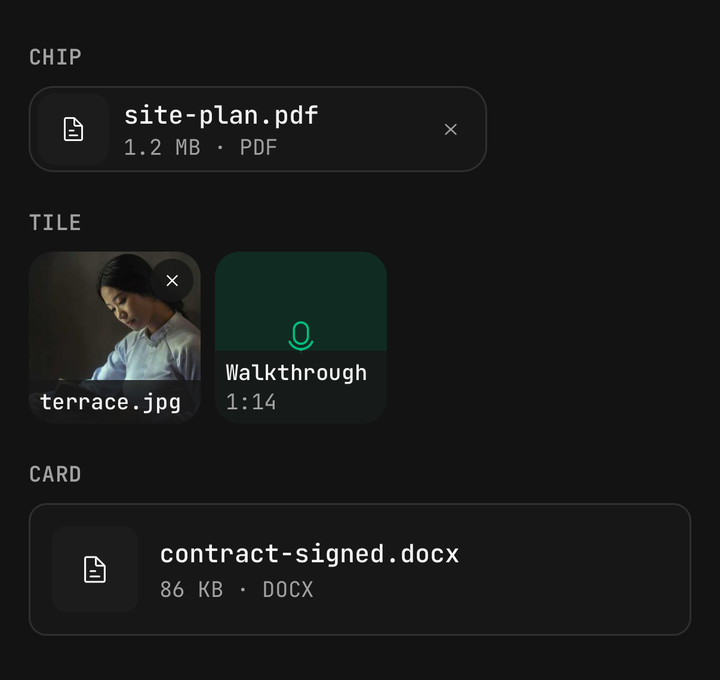
<Attachment kind="file" layout="chip" name="site-plan.pdf" onRemove={remove} />
<Attachment kind="image" layout="tile" name="terrace.jpg" source={{ uri: photo.uri }} />
<Attachment kind="file" layout="card" name="contract.docx" onPress={open} />
Sizes
size sets the preview square and the tile in fixed points, so a tray lines up.
<Attachment kind="file" name="spec.pdf" size="sm" />
<Attachment kind="file" name="spec.pdf" size="md" />
<Attachment kind="file" name="spec.pdf" size="lg" />
Upload states
The app owns the upload and hands the attachment its status; remove becomes cancel while uploading, and retry appears in error.
<Attachment
  kind="file"
  name={file.name}
  sizeBytes={file.size}
  status={
    file.error
      ? { type: "error", message: file.error }
      : file.sent < file.size
        ? { type: "uploading", progress: file.sent / file.size }
        : { type: "done" }
  }
  onRemove={() => cancel(file.id)}
  onRetry={() => retry(file.id)}
/>
Composer tray
Attachment.Group scrolls sideways, hands its layout and size down, and slides the rest along when one is removed.
<Attachment.Group layout="tile">
  {drafts.map((draft) => (
    <Attachment
      key={draft.id}
      kind="image"
      name={draft.name}
      source={{ uri: draft.uri }}
      onRemove={() => drop(draft.id)}
    />
  ))}
</Attachment.Group>
Key each attachment by its file's id, not its index, or removing the first one reuses its cell for the second and the slide runs backwards.
Inside a message
A card takes the width of whatever holds it, so a message bubble only needs to render it as a child.
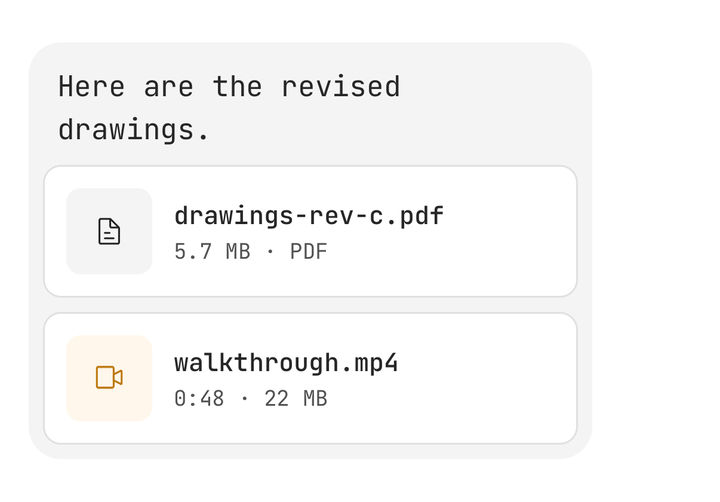
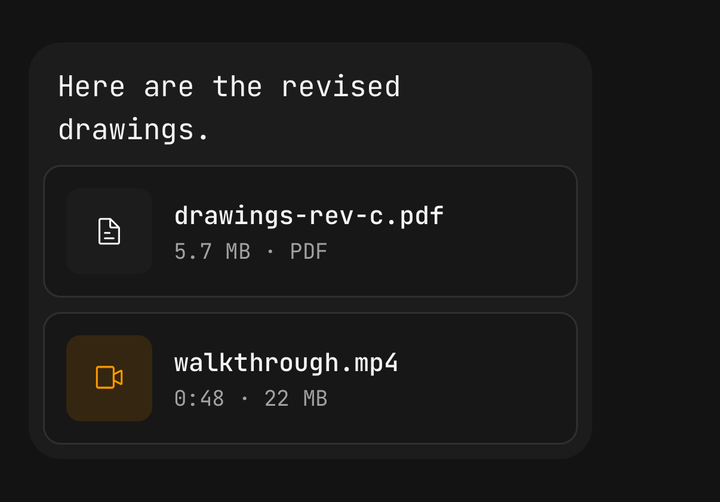
<View className="max-w-[85%] gap-2 self-start rounded-2xl bg-muted p-2">
  <Text.Paragraph>Here are the revised drawings.</Text.Paragraph>
  <Attachment kind="file" layout="card" name="drawings-rev-c.pdf" onPress={open} />
</View>
Custom parts
Children replace the default parts entirely, and useAttachment() reads the attachment from inside one.
<Attachment kind="file" name="invoice.pdf" sizeBytes={154624} status={status}>
  <Attachment.Preview />
  <Attachment.Content>
    <Attachment.Name />
    <Attachment.Meta />
  </Attachment.Content>
  <Attachment.Progress />
</Attachment>
Accessibility
Each attachment is one element — Photo, harbour.jpg, 2.4 megabytes, uploading with the percentage in ten-point steps — and remove and retry are its actions rather than separate stops.
API Reference
Anatomy
| Part | What it is |
|---|---|
Attachment | Owns the media, the status and the axes. One accessible element, with remove and retry as actions |
Attachment.Preview | The kind's glyph on its tint, with the picture over it |
Attachment.Content | The name over the meta line. A frosted strip on a tile |
Attachment.Name | One line, cut in the middle so the extension stays |
Attachment.Meta | 2.4 MB · PDF, a recording's length, or the error message |
Attachment.Progress | The upload bar, drawn only while uploading |
Attachment.Remove | The remove control. Reads as cancel while uploading |
Attachment.Retry | The retry control, drawn only in error |
Attachment.Group | A horizontal tray that animates its attachments in and out |
Attachment
Prop
Type
Attachment.Group
Prop
Type
useAttachment
Returns kind, layout, size, status, name, isInteractive and isDisabled for a custom part. Throws outside an Attachment.